Building DuoCreator — Part 6: Putting a Teleprompter on iPhone Duo's Outer Display
How Apple's CameraCaptureAccessory lets DuoCreator present a stripped-down teleprompter on the outer display, driven by the same shared TeleprompterEngine.
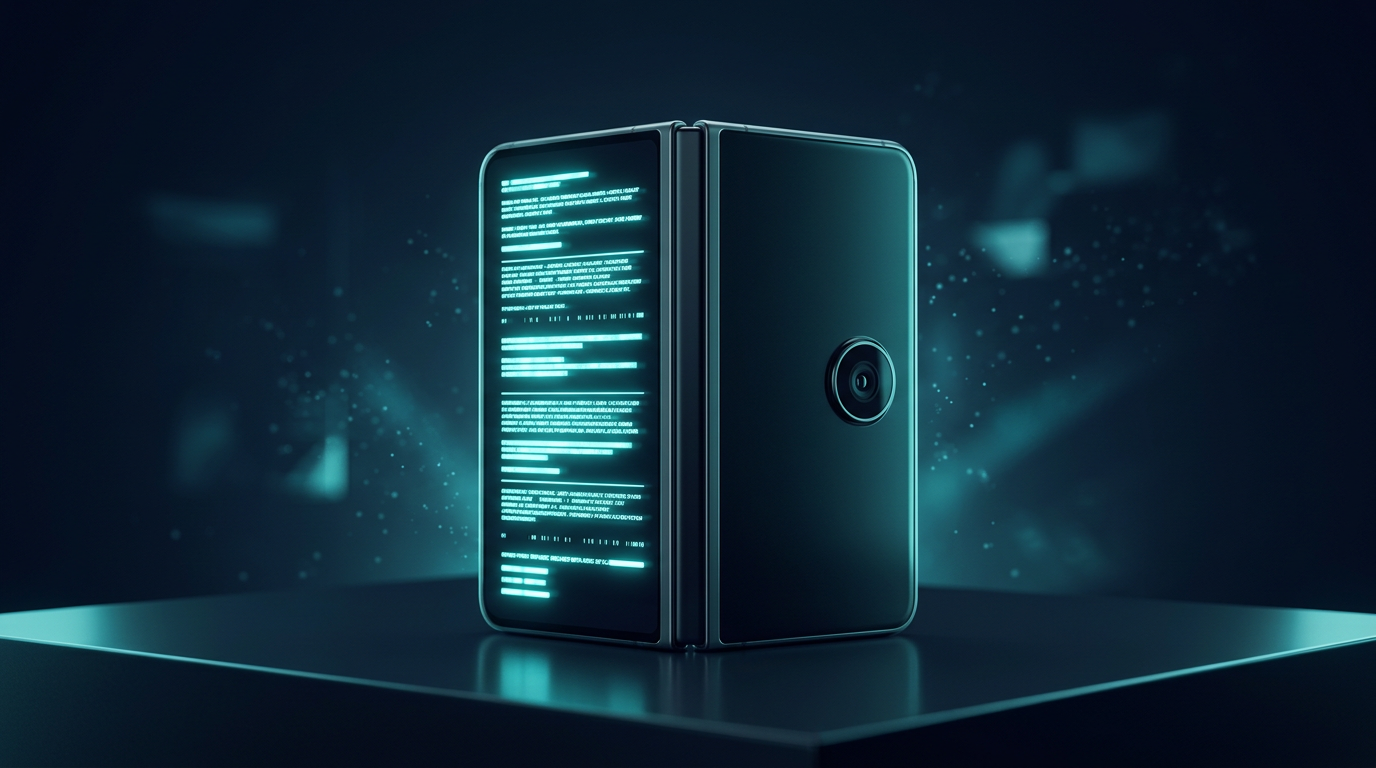
One of the most exciting iPhone Duo APIs for a camera app is not the hinge.
It is CameraCaptureAccessory.
Apple documents this SwiftUI scene accessory as a way to present interactive content during camera capture, with the system deciding when and where it can appear. Apple's own documentation explicitly uses a teleprompter as an example.
For DuoCreator, that is almost a direct match for the product.
The creator and the camera can share information differently
A conventional phone usually has one active screen facing one direction.
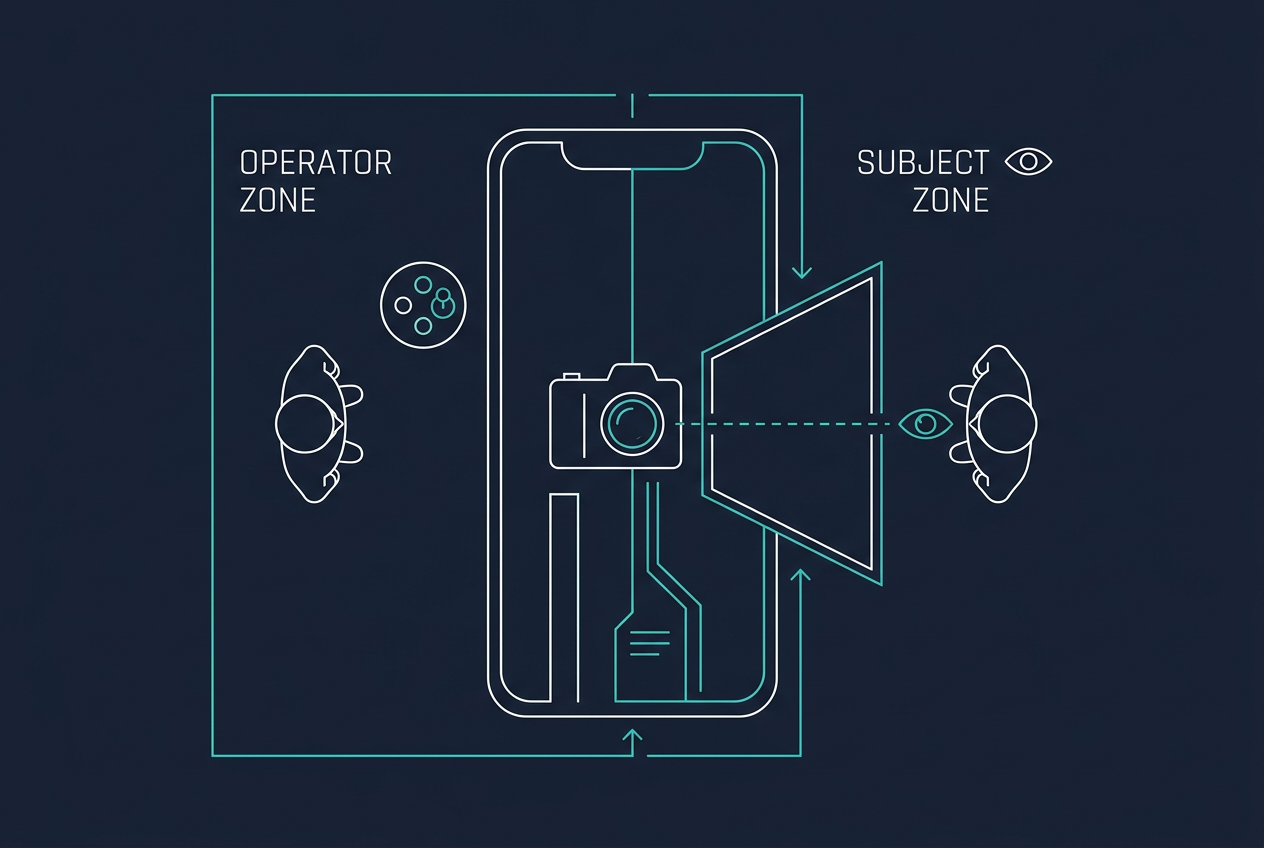
With iPhone Duo, Apple describes two displays and new ways of positioning the device. A camera app can therefore think about what the person operating the app needs and what the person facing the camera needs.
DuoCreator's main studio can hold controls, framing and script management. An outer presentation can prioritize readable prompt text.
That is a much better use of the extra display than mirroring an entire control panel.
The implementation is surprisingly small
The high-level SwiftUI integration in the current Studio looks like this:
.sceneAccessory {
    CameraCaptureAccessory(isEnabled: $outerDisplayEnabled) {
        OuterTeleprompterView(...)
    }
    .onAvailabilityChange { available in
        outerDisplayAvailable = available
    }
}
That snippet reveals an important design choice: system availability is authoritative.
DuoCreator does not try to force an external surface to exist. It asks the system to present the camera accessory when appropriate and reflects availability back into settings.
Apple's documentation says the accessory may be presented while the app is foregrounded and has an active camera capture session.
One teleprompter state, two presentations
OuterTeleprompterView receives the same teleprompter engine used by the main studio.
That means start, pause, seek and Voice Follow can affect a shared reading position rather than creating two scripts that slowly drift apart.
This is another payoff from separating the engine from the view.
The main display can render controls around the engine. The outer accessory can render a stripped-down reading experience around the same engine.
Don't copy the entire app onto the other display
The temptation with multiple displays is to show everything everywhere.
I think that would be a mistake for DuoCreator.
The person looking toward the camera needs large, legible words and perhaps minimal status. They do not need exposure sliders, project management or every camera setting.
A second display is useful because it can have a second purpose.
That principle is bigger than this app. When a new device gives developers another surface, the interesting question is not "how do I duplicate my UI?" It is "who is looking at this surface, and what do they need right now?"
Beta API discipline
CameraCaptureAccessory is beta documentation at the time I am writing this.
That affects how I structure the feature.
The app should not crash or lose its basic recording workflow because an accessory is unavailable. The setting can be disabled. Availability is observed. The core teleprompter remains present in the main Studio.
This is also why I keep the accessory boundary small. If Apple changes details before final software, I want the adjustment to happen in a narrow integration point.
Why this feature is difficult to communicate in screenshots
This is one of the places where product video will matter more than a static App Store image.
The story is physical:
- Position the device.
- Start the camera.
- The creator-facing surface presents the prompt.
- The operator retains the studio controls.
- The script advances from the shared teleprompter engine.
A still image can show the layout, but the value is the relationship between person, camera and two surfaces.
That is why I am building this series alongside the app. New hardware features often need explanation before they need promotion.
The API validates the product direction
It is reassuring when a platform API maps naturally to a product idea rather than requiring a hack.
Apple specifically documents camera capture accessories and teleprompter-style content. DuoCreator can build on that first-party behavior instead of inventing an unsupported second-display mechanism.
The remaining work is product work: typography, safe reading width, visibility, mirroring choices, state synchronization and real-device testing.
In the next part I will leave camera hardware for a moment and look at Creator Assist: generating and rewriting spoken-video scripts using Apple's on-device Foundation Models framework.
Follow or support the development of DuoCreator
DuoCreator is an independent project currently in development. This series documents the real engineering work behind the app as it evolves toward release.
If you represent a company and would like to sponsor DuoCreator, collaborate on the project, explore an integration, provide hardware or services for testing, or discuss another form of partnership, contact us at hola@ayudantedigital.es.
We're especially interested in collaborations that genuinely add value for creators and the emerging iPhone Duo ecosystem.
Apple references
- Apple Developer — Get ready for iPhone Duo
- Apple Human Interface Guidelines — Designing for iPhone Duo
- Apple Developer — Xcode 27.1 Beta Release Notes
- Apple Developer — Xcode system requirements
- Apple Developer — DeviceHinge
- Apple Developer — CameraCaptureAccessory
- Apple Developer — Foundation Models / SystemLanguageModel
- Series: Building DuoCreator for iPhone Duo
- Project: AppsForDuo / DuoCreator
- Suggested canonical home: appsforduo.com
Spotted something to fix, or an app we should cover?
This article is independent research, cross-checked against Apple's developer documentation. If something's out of date, or you know an app that deserves a look, let us know — and if you're building for iPhone Duo yourself, we're happy to talk.
hola@ayudantedigital.es