New iPhone Duo? 12 best apps to install first
Just unboxed an iPhone Duo? These 12 apps make the most of the folding screen, the cameras and the bigger canvas, from productivity to video.
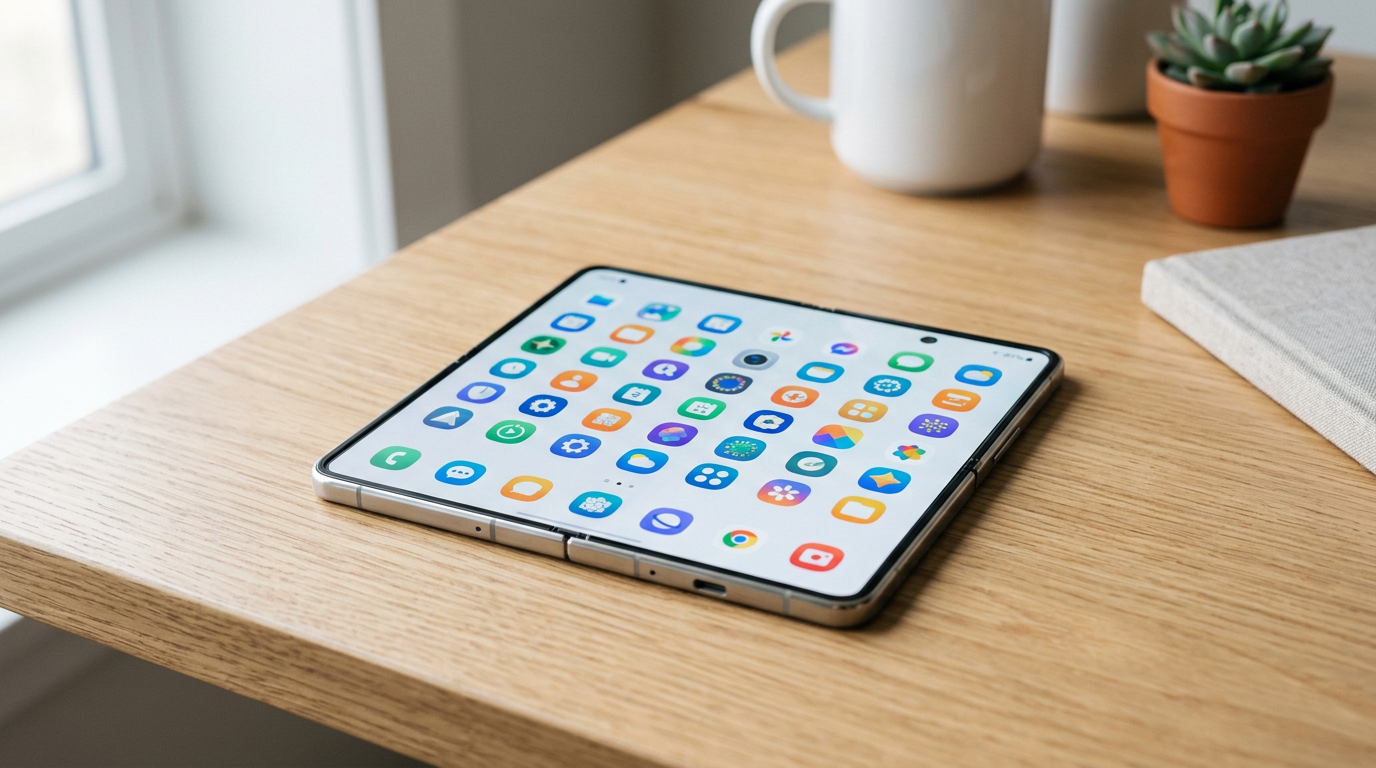
A new iPhone Duo gives you two very different phones: a 5.4-inch outer display for quick tasks, and a 7.6-inch inner display that is close to a small tablet. The apps worth installing first are the ones that use that extra space. Below are 12 we would put on day one, grouped loosely from everyday tools to creative apps.
How well a third-party app uses the Duo's 7.6-inch inner display depends on whether its developer has updated the layout for the fold. Apps that are not updated can show black bars in Split View. For the screen sizes involved, see our screen size guide.
1. Things 3: best for a calm to-do list
Things is a polished task manager with a clean layout that reads well on the inner display. It is a one-time purchase per platform, with no subscription. It is a good first install if you want projects, areas and a Today view without a lot of setup.
2. Notion: best for an all-in-one workspace
Notion combines notes, databases and project boards. On a wider screen, its tables and boards become usable on a phone instead of something you scroll sideways. A free plan covers personal use.
3. PromptSlate Studio: best for recording yourself to camera
Our app. If you plan to talk to camera on your Duo, PromptSlate Studio keeps your script, the camera preview, recording controls and a teleprompter on one screen. It adapts to the expanded, tabletop and compact postures, and you can switch between saved scripts while recording. Creator Assist helps you draft scripts on device. It is in final development for iOS 27.1 and will be a $9.99 one-time purchase. We explain why we built it in part 1 of our build log.
See PromptSlate Studio for iPhone Duo
4. Obsidian: best for a personal knowledge base
Obsidian stores notes as local Markdown files and links them together. It is free for personal use, with paid Sync if you want your vault on every device.
5. Adobe Premiere: best for free video editing
Adobe's mobile Premiere app gives you a multitrack timeline with no watermark on exports, and optional premium features. A wider inner display means more of the timeline fits on screen. More in our video editor list.
6. Blackmagic Camera: best for pro video controls
A free camera app from Blackmagic Design with manual shutter, ISO, white balance and focus, plus Apple Log and ProRes recording on supported iPhones. It is our top pick in the camera app roundup.
7. Halide Mark III: best for deliberate photography
Halide is a manual camera app built around RAW stills, with focus peaking and a clean interface. It is available as a subscription or a one-time purchase.
8. Drafts: best for capturing text fast
Drafts opens to a blank page so you can type before you decide where the text goes. Actions then send it to notes, mail, tasks or other apps. The core app is free, with a Pro subscription for advanced actions.
9. Ferrite Recording Studio: best for podcasts and voice
Ferrite is a multitrack audio editor for interviews and podcasts. It is free to start, with a Pro purchase that unlocks the full editor. See our audio app list.
10. CapCut: best for short-form trends
CapCut has templates, auto captions and effects tuned for TikTok and Reels. It is free, with a Pro subscription for some effects and cloud storage.
11. Fantastical: best for a smarter calendar
Fantastical parses natural language (type "lunch with Sam Friday 1pm") and shows a day and month view side by side when there is room. A basic tier is free, and a subscription adds the premium features.
12. Larix Broadcaster: best for live streaming
Larix is a free streaming app with support for RTMP, SRT and more, aimed at people who already know their streaming setup. It is the technical pick in our live streaming list.
The bottom line
Start with the three or four apps that match how you will actually use the Duo, and add the rest as you need them. If you mostly create video, our creator setup guide pulls the camera, teleprompter and editing apps together into one workflow.
More iPhone Duo app guides
From the maker
Get PromptSlate Studio on the App Store
Write, prompt and record in one focused workspace. Out now — $9.99 one-time, no subscription. Every download supports independent development of new apps.
See PromptSlate Studio details · Also in the works: DuoSketch
Spotted something to fix, or an app we should cover?
This article is independent research, cross-checked against Apple's developer documentation. If something's out of date, or you know an app that deserves a look, let us know — and if you're building for iPhone Duo yourself, we're happy to talk.
hola@ayudantedigital.es