11 best productivity apps for iPhone Duo
Tasks, notes, calendars and writing apps that turn the iPhone Duo's folding screen into a pocket workspace.
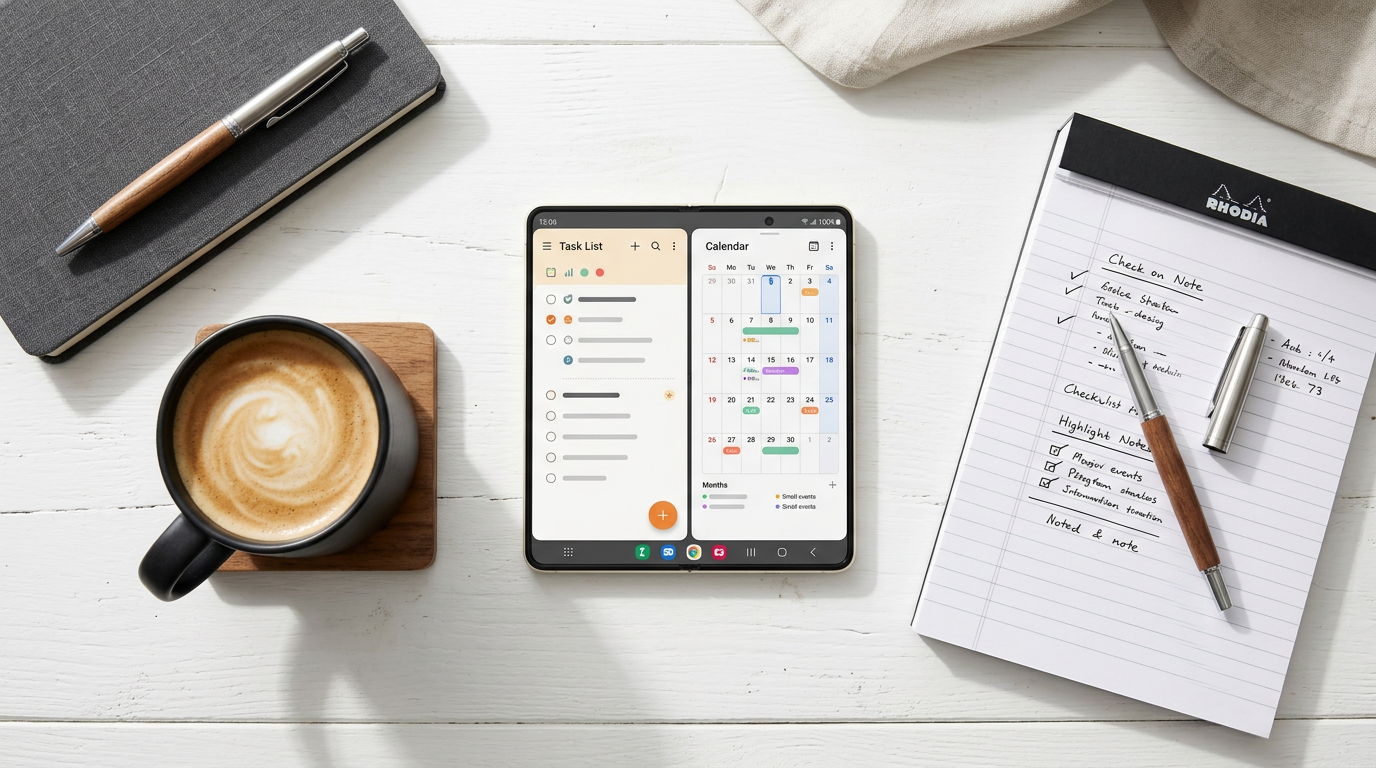
The inner display is where iPhone Duo stops feeling like a phone. Two apps side by side in Split View, a calendar with room for a week, or a long document you can actually read all make the Duo a capable pocket workspace. These 11 apps get the most out of it.
How well a third-party app uses the Duo's 7.6-inch inner display depends on whether its developer has updated the layout for the fold. Apps that are not updated can show black bars in Split View. For the screen sizes involved, see our screen size guide.
1. Things 3: best for personal tasks
Things 3 is a calm, well-designed task manager with projects, areas and a Today view. It is a one-time purchase.
2. Todoist: best for cross-platform tasks
Todoist has excellent natural-language input and works on every platform. It is free, with a Pro plan.
3. Notion: best for docs and databases
Notion brings notes, wikis and project boards together. Wide tables become usable on the inner display.
4. PromptSlate Studio: best for presentations and video updates
Our app. More work now happens on video, such as async updates, pitches and training clips. PromptSlate Studio lets you write the talking points, then record them with a teleprompter beside the camera, so a two-minute update takes one take instead of five. It is in final development for iOS 27.1 and will be a $9.99 one-time purchase.
See PromptSlate Studio for iPhone Duo
5. Obsidian: best for linked notes
Obsidian is a local-first Markdown knowledge base that is free for personal use, with paid Sync and Publish.
6. Drafts: best for quick capture
Drafts lets you type first and decide where the text goes later. It is free, with a Pro subscription.
7. iA Writer: best for focused writing
iA Writer is a distraction-free Markdown editor with focus mode and syntax highlighting for style. It is a paid app.
8. Fantastical: best for calendars
Fantastical offers natural-language events and rich views that use the extra width. A basic tier is free, with a subscription for premium features.
9. Apple Notes: best for notes, free
Apple Notes is fast, free and syncs through iCloud. It handles checklists, scans and tables better than many people expect.
10. Google Docs: best for shared documents
Google Docs is the default for collaborating with people outside Apple's ecosystem. It is free.
11. Microsoft Outlook: best for work mail and calendar
If your company runs on Microsoft 365, Outlook keeps mail and calendar in one app. It is free with a work account.
The bottom line
Pick one task app (Things or Todoist), one notes app (Notion, Obsidian or Apple Notes) and one capture app (Drafts), then pair two of them side by side in Split View on the inner display. If you want a bigger workspace, connect the Duo to a monitor.
More iPhone Duo app guides
From the maker
Get PromptSlate Studio on the App Store
Write, prompt and record in one focused workspace. Out now — $9.99 one-time, no subscription. Every download supports independent development of new apps.
See PromptSlate Studio details · Also in the works: DuoSketch
Spotted something to fix, or an app we should cover?
This article is independent research, cross-checked against Apple's developer documentation. If something's out of date, or you know an app that deserves a look, let us know — and if you're building for iPhone Duo yourself, we're happy to talk.
hola@ayudantedigital.es