8 best video editing apps for iPhone Duo
The best video editors for iPhone Duo, from free multitrack timelines to desktop-grade suites, plus a better way to record clean takes first.
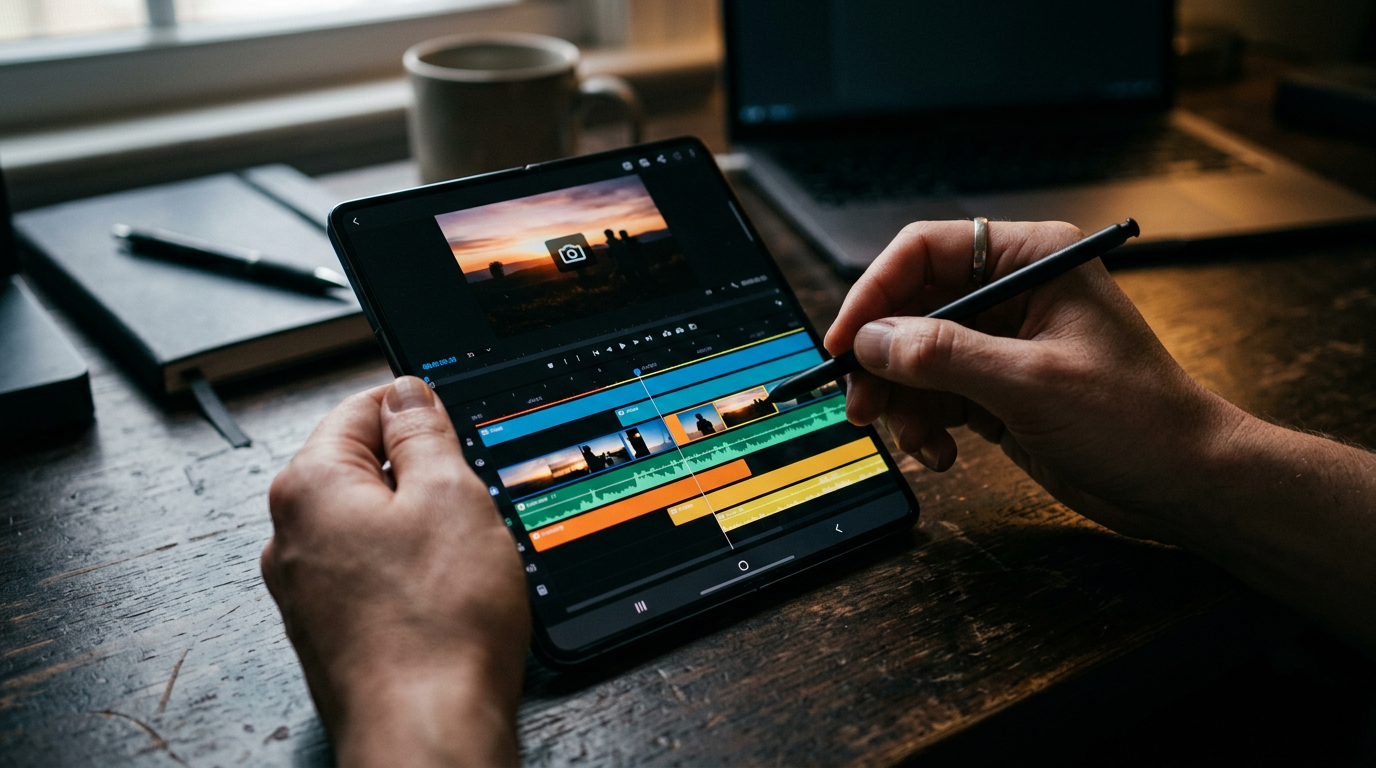
Editing video is one of the clearest wins for a foldable. A timeline that feels cramped on a regular phone has room on the Duo's 7.6-inch inner display, and the A20 Pro chip handles 4K footage. These eight apps cover everything from quick Reels to long YouTube edits.
How well a third-party app uses the Duo's 7.6-inch inner display depends on whether its developer has updated the layout for the fold. Apps that are not updated can show black bars in Split View. For the screen sizes involved, see our screen size guide.
1. Adobe Premiere: best for free pro editing
Adobe's mobile Premiere app offers a multitrack timeline, generative sound effects and exports with no watermark. It is free with optional premium features, and projects can move to Premiere on desktop.
2. PromptSlate Studio: best for recording clean takes before you edit
Our app. The fastest edit is the one with fewer mistakes to cut. PromptSlate Studio is not an editor. It is where you record: a teleprompter beside the camera means fewer restarts, and each take is saved with its script, so you know what you are cutting together. We explain how takes are stored in the build log. It is in final development for iOS 27.1 and will be a $9.99 one-time purchase. See how its layouts adapt to the fold.
See PromptSlate Studio for iPhone Duo
3. LumaFusion: best for desktop-grade editing on a phone
LumaFusion is a long-standing pro editor with multiple video and audio tracks, keyframing and color tools. It is a one-time purchase, with optional add-ons.
4. CapCut: best for TikTok trends and templates
CapCut has the largest library of templates, effects and auto captions for short-form video. It is free, and a Pro subscription unlocks some features.
5. Instagram Edits: best for Reels creators
Edits is Instagram's free editor, with a clean timeline, green screen, captions and direct publishing to Reels. Exports have no watermark.
6. VN Video Editor: best for free with no watermark
VN offers a multi-layer timeline, keyframes and speed curves for free, without watermarking your exports. It is a strong free alternative.
7. iMovie: best for simple edits, free
Apple's iMovie is free and quick for trimming, titles and basic transitions. It is the right tool when you do not need more.
8. Splice: best for music-driven edits
Splice makes it simple to cut clips to music with a straightforward timeline. It is free to try, and most features come with a subscription.
The bottom line
For most people, Adobe Premiere or VN covers serious editing for free, LumaFusion is worth paying for if you edit often, and CapCut or Edits are the quickest way to publish short-form video. Record with PromptSlate Studio to cut editing time down.
More iPhone Duo app guides
From the maker
Get PromptSlate Studio on the App Store
Write, prompt and record in one focused workspace. Out now — $9.99 one-time, no subscription. Every download supports independent development of new apps.
See PromptSlate Studio details · Also in the works: DuoSketch
Spotted something to fix, or an app we should cover?
This article is independent research, cross-checked against Apple's developer documentation. If something's out of date, or you know an app that deserves a look, let us know — and if you're building for iPhone Duo yourself, we're happy to talk.
hola@ayudantedigital.es