10 best apps for YouTubers on iPhone Duo
Plan, script, film, edit and publish YouTube videos from an iPhone Duo with these 10 apps, one for each step of the workflow.
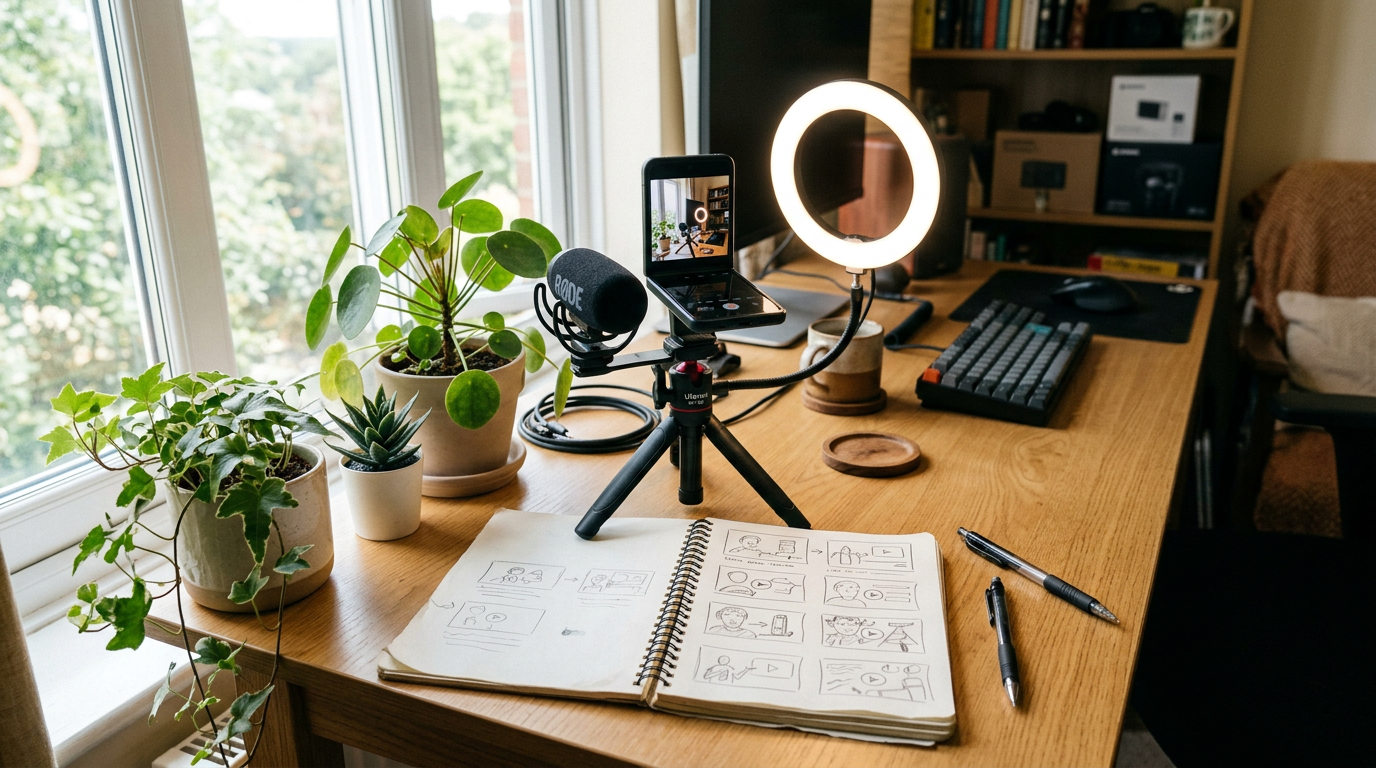
You can run a whole YouTube channel from an iPhone Duo. The trick is having one good app for each step: planning, scripting, filming, editing, thumbnails and publishing. Here are 10, in the order you would use them. Our creator setup guide covers the hardware side, including tripods, mics and lighting.
1. PromptSlate Studio: best for scripting and filming yourself
Our app. Most YouTube videos come down to you talking to camera, and that is the step PromptSlate Studio is built for. Write or tighten the script with on-device Creator Assist, stand the Duo in tabletop posture and record with the teleprompter beside the preview. You can switch between saved scripts for intros, sponsor reads and outros without leaving the session. It is in final development for iOS 27.1 and will be a $9.99 one-time purchase.
See PromptSlate Studio for iPhone Duo
2. Blackmagic Camera: best for B-roll and manual video
For footage beyond talking-head shots, Blackmagic Camera gives you manual exposure, focus and log recording, for free.
3. Adobe Premiere: best for editing long videos
A free multitrack editor with no watermark. The Duo's inner display gives the timeline enough width for 10-minute-plus edits.
4. LumaFusion: best for heavier edits
If you outgrow Premiere's mobile app, LumaFusion is a one-time purchase with keyframing, color tools and multiple tracks.
5. Canva: best for thumbnails
Canva has YouTube thumbnail templates, background removal and brand kits. It is free, with a Pro subscription for premium assets.
6. YouTube Studio: best for publishing and analytics
Google's free YouTube Studio app lets you edit titles and descriptions, reply to comments and check analytics from your phone.
7. Ferrite Recording Studio: best for voiceovers
Record and clean up narration separately, then drop it into your edit. It is free to start, with a Pro unlock.
8. Notion: best for a content calendar
Track ideas, script status and publish dates in a Notion board. It is free for personal use.
9. Drafts: best for catching video ideas
Ideas arrive at random times. Drafts opens to a blank page instantly and can send the note to your content calendar.
10. Captions: best for subtitles
Captions automatically transcribes your video and styles the subtitles. Its main features need a subscription.
The bottom line
A lean YouTube kit is PromptSlate Studio to script and film, Premiere to edit, Canva for thumbnails and YouTube Studio to publish. Add the others as your channel grows.
More iPhone Duo app guides
From the maker
Get PromptSlate Studio on the App Store
Write, prompt and record in one focused workspace. Out now — $9.99 one-time, no subscription. Every download supports independent development of new apps.
See PromptSlate Studio details · Also in the works: DuoSketch
Spotted something to fix, or an app we should cover?
This article is independent research, cross-checked against Apple's developer documentation. If something's out of date, or you know an app that deserves a look, let us know — and if you're building for iPhone Duo yourself, we're happy to talk.
hola@ayudantedigital.es