Must-have iPhone Duo apps: 10 we would install on day one
The 10 must-have iPhone Duo apps that make the folding screen worth it, from Split View pairs to cameras and a calendar that uses the extra room.
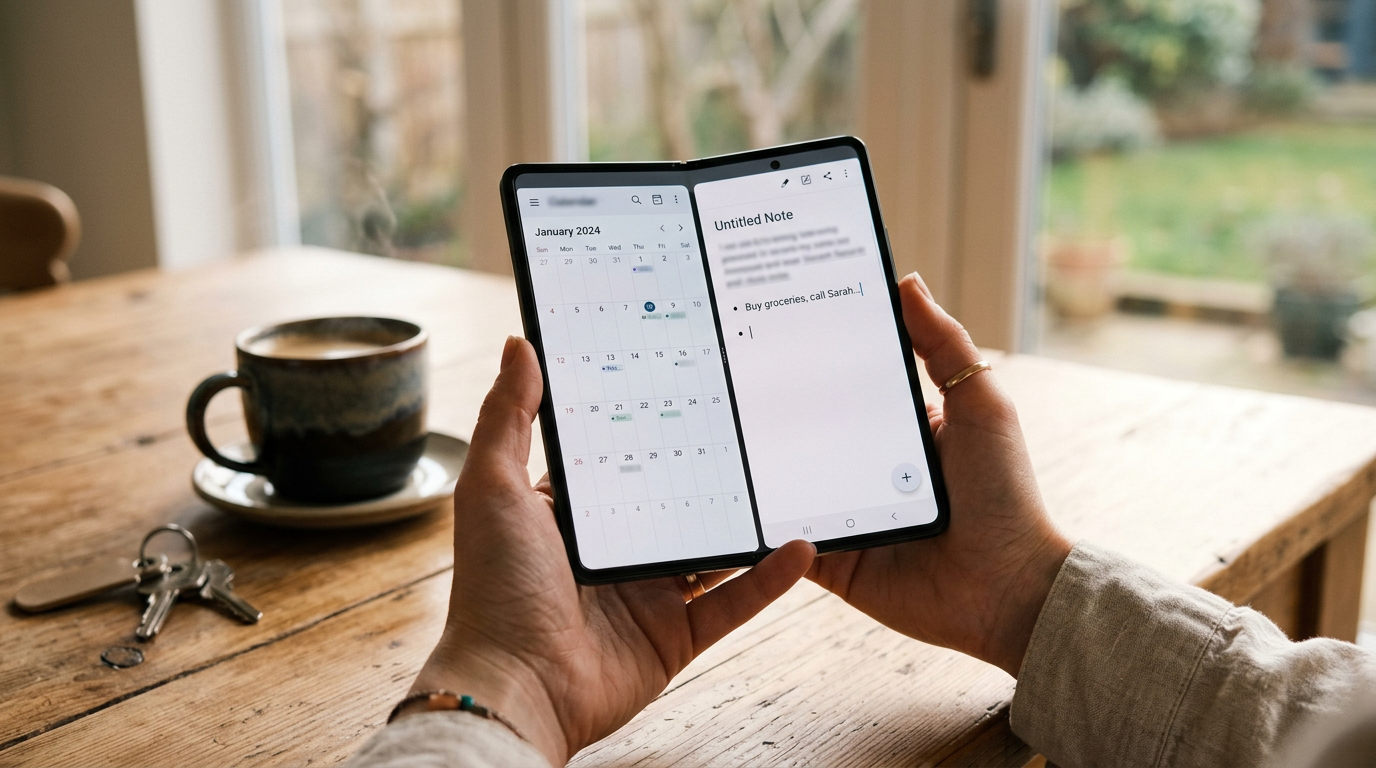
"Must-have" usually means apps everyone already has. This list is different: these are the apps that get noticeably better on the Duo's 7.6-inch inner display, or that only make sense on a phone that can stand on its own. If you want a broader starting list, see 12 apps to install on a new iPhone Duo.
How well a third-party app uses the Duo's 7.6-inch inner display depends on whether its developer has updated the layout for the fold. Apps that are not updated can show black bars in Split View. For the screen sizes involved, see our screen size guide.
1. Fantastical: best for a calendar with room to breathe
Fantastical understands plain language ("dentist Tuesday 3pm") and shows a day and month view together when there is room. The basic tier is free, and a subscription adds the premium features.
2. Things 3: best for tasks
Things is a calm, polished task manager sold as a one-time purchase per platform. Pair it with Fantastical in Split View and you can plan the day on one screen.
3. PromptSlate Studio: best for the posture nobody else uses
Our app. Tabletop posture is the Duo's party trick, and most apps ignore it. PromptSlate Studio is built around it: the phone stands on the table, the camera preview sits in the top half, and your script scrolls below it, so you can record yourself without a tripod. It is in final development for iOS 27.1 and will be a $9.99 one-time purchase, with no subscription. See how the layouts adapt to each posture.
See PromptSlate Studio for iPhone Duo
4. Kindle: best for reading
The inner display is close to a paperback page, which makes the free Kindle app far more comfortable than on a normal phone. You buy books on the web, not in the app.
5. Blackmagic Camera: best for video with manual control
Free, with manual exposure and pro recording formats on supported models. In tabletop posture, the Duo becomes a small camera that stands on its own.
6. Google Maps: best for trips
The map and the route list fit side by side when the phone is open. Download offline areas before you travel.
7. Notion: best for projects and notes
Notion's boards and tables need width, which is exactly what the inner display adds. The free plan is enough for personal use.
8. Adobe Lightroom: best for editing photos
Lightroom's free tier covers the main sliders. A subscription adds masking, healing and cloud storage. Our photo editing list compares it with the alternatives.
9. Netflix: best for watching on the go
The inner display makes the Duo a decent pocket screen. In tabletop posture it holds itself up, so you do not need a stand. Download episodes for flights.
10. ChatGPT: best for an AI assistant
Use it for writing, questions and voice conversations, with a free tier and paid plans. Siri AI also covers many of the same tasks. See what Siri AI can do.
The bottom line
If you only install three, make it a calendar, a reading app and a camera app, because those change the most when the screen doubles in size. Then add the rest as you need them.
More iPhone Duo app guides
From the maker
Get PromptSlate Studio on the App Store
Write, prompt and record in one focused workspace. Out now — $9.99 one-time, no subscription. Every download supports independent development of new apps.
See PromptSlate Studio details · Also in the works: DuoSketch
Spotted something to fix, or an app we should cover?
This article is independent research, cross-checked against Apple's developer documentation. If something's out of date, or you know an app that deserves a look, let us know — and if you're building for iPhone Duo yourself, we're happy to talk.
hola@ayudantedigital.es