8 best photo editing apps for iPhone Duo
The 8 best photo editing apps for iPhone Duo, from free Snapseed to Lightroom and Darkroom, and why the inner display makes editing easier.
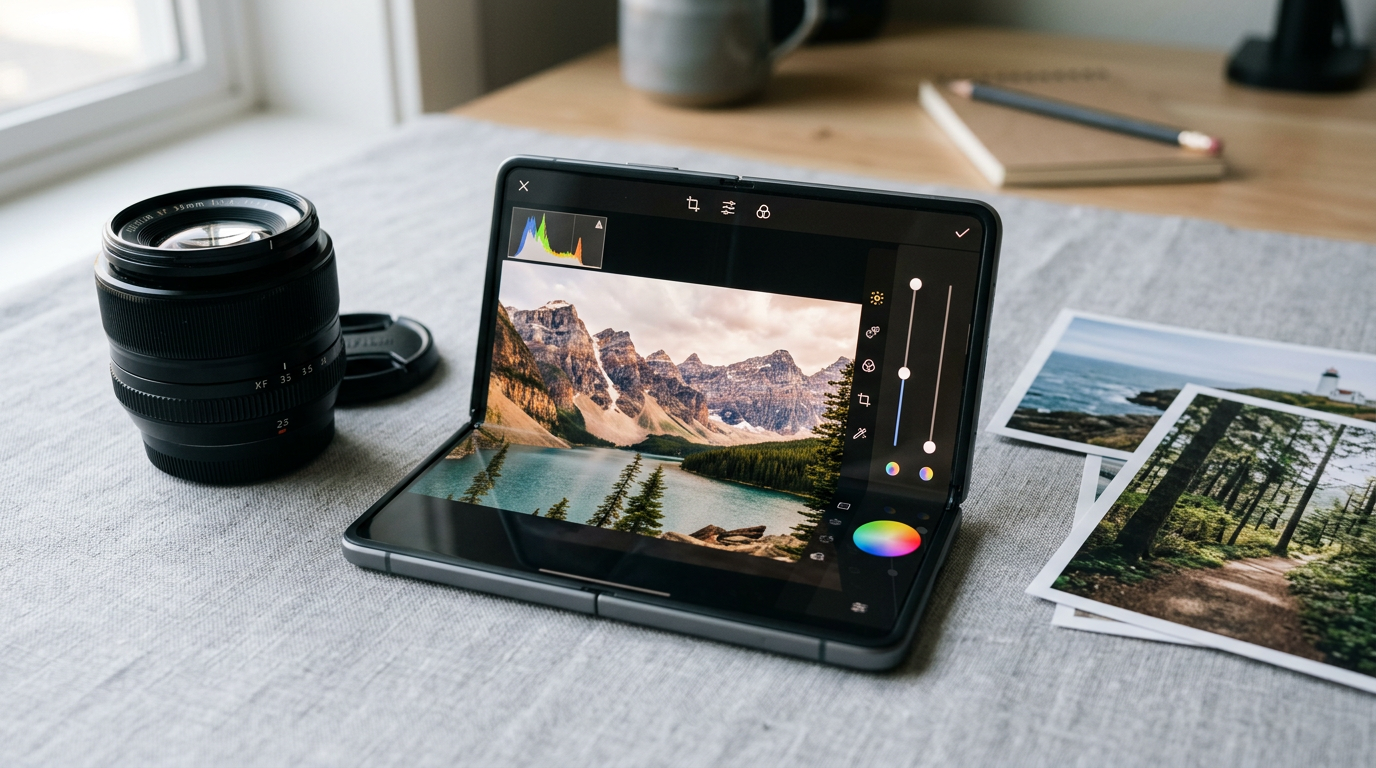
Editing photos on a regular phone means your thumb covers half the image. On the iPhone Duo's 7.6-inch inner display, you get the photo and the controls on screen at the same time. These 8 editors are the ones worth installing, from free to professional. For what the built-in tools already do, see Apple Intelligence photo editing on iPhone Duo.
How well a third-party app uses the Duo's 7.6-inch inner display depends on whether its developer has updated the layout for the fold. Apps that are not updated can show black bars in Split View. For the screen sizes involved, see our screen size guide.
1. Adobe Lightroom: best for the complete package
Lightroom has precise color and tone controls, presets and RAW support. The free tier covers the basics, and a subscription adds masking, healing and cloud sync with the desktop app.
2. Snapseed: best for free and powerful
Google's Snapseed is completely free, with selective adjustments, healing, perspective correction and RAW editing. It is the best place to start if you do not want a subscription.
3. Darkroom: best for a fast, iPhone-first editor
Darkroom works straight from your photo library with no importing, and has curves, color tools and batch editing. Core editing is free, and a subscription unlocks the advanced tools.
4. Photomator: best for Mac-style editing
Photomator, from the team behind Pixelmator, offers layer-free pro adjustments and machine-learning tools such as auto-enhance and selective masks. It is sold as a subscription or a one-time purchase.
5. VSCO: best for film-style presets
VSCO is known for its film-inspired presets and a community for sharing. The free version includes a set of presets, and a membership adds the rest.
6. Picsart: best for collages and effects
Picsart adds stickers, text, collages and AI effects. It is popular for social posts, with a free tier and a paid plan.
7. Halide Mark III: best for better RAW files to start with
Not an editor, but the reason your edits look better. Halide captures RAW photos with manual focus and exposure. See our camera apps list.
8. Apple Photos: best for quick fixes
The built-in editor handles crop, light, color and Clean Up for removing distractions. For many photos, it is all you need.
Bonus: PromptSlate Studio, when you also make videos
Bonus: our app. PromptSlate Studio is not a photo editor, so it is not in the ranking. But if your photos turn into talking-head videos, reviews or tutorials, it is the app we built for that: a teleprompter next to the camera, designed for the Duo's fold. It is in final development for iOS 27.1 and will be a $9.99 one-time purchase, with no subscription. Read why we built it.
See PromptSlate Studio for iPhone Duo
The bottom line
Use Snapseed if you want free, Lightroom if you also edit on a computer, and Darkroom or Photomator if you want a fast editor that feels made for the iPhone. Shoot in RAW with Halide when the photo matters.
More iPhone Duo app guides
From the maker
Get PromptSlate Studio on the App Store
Write, prompt and record in one focused workspace. Out now — $9.99 one-time, no subscription. Every download supports independent development of new apps.
See PromptSlate Studio details · Also in the works: DuoSketch
Spotted something to fix, or an app we should cover?
This article is independent research, cross-checked against Apple's developer documentation. If something's out of date, or you know an app that deserves a look, let us know — and if you're building for iPhone Duo yourself, we're happy to talk.
hola@ayudantedigital.es