iPhone Duo 4K 120fps video: recording specs and best settings
Every video mode on iPhone Duo, from 4K 120 fps Dolby Vision to Cinematic and Action mode, and which settings to use when.
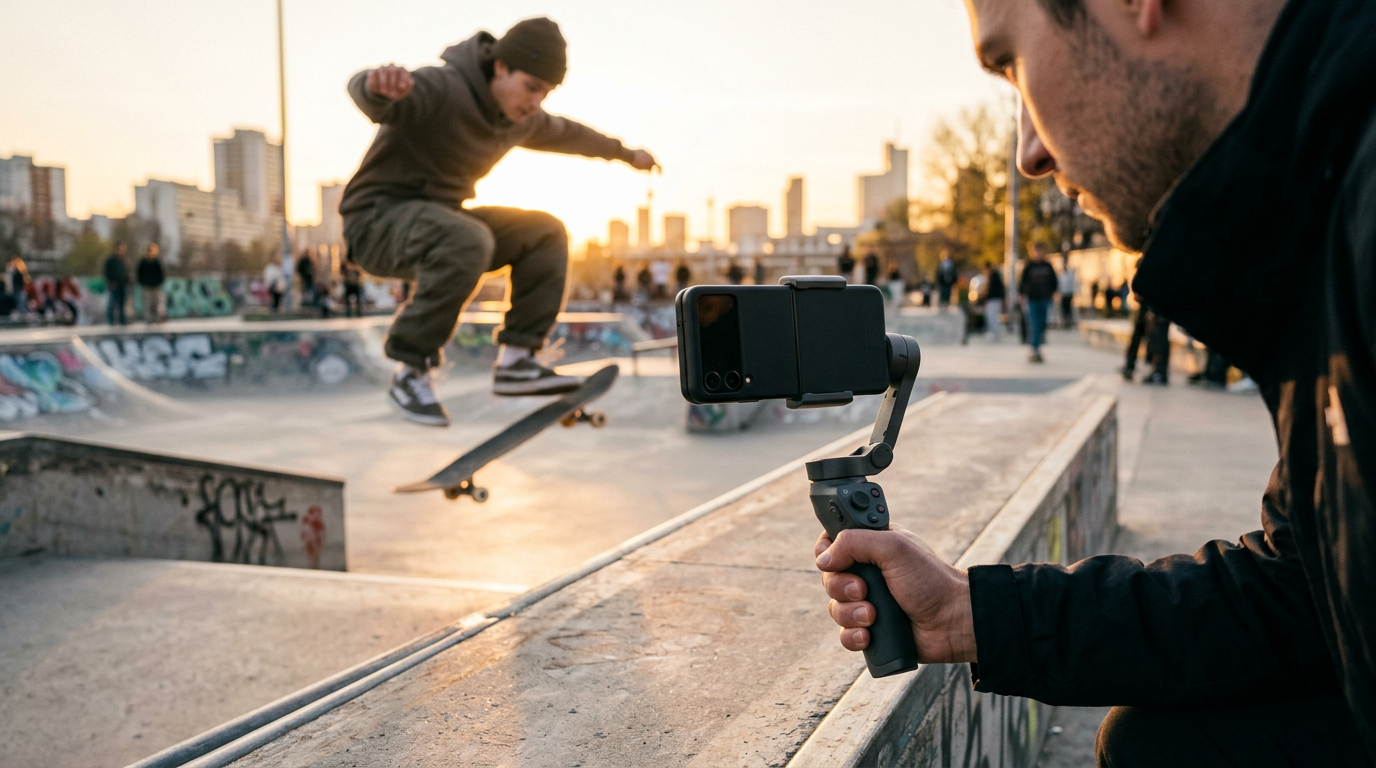
iPhone Duo records up to 4K at 120 fps in Dolby Vision on its main camera. Here is the full list of video modes from Apple's spec sheet and the settings we would pick.
Rear camera video modes
- 4K Dolby Vision at 24, 25, 30 and 60 fps, plus 100 and 120 fps on the Fusion Main.
- 1080p Dolby Vision at 25, 30, 60 or 120 fps (120 on Fusion Main).
- Cinematic mode up to 4K Dolby Vision at 60 fps, with effects you can adjust after recording.
- Action mode up to 2.8K Dolby Vision at 60 fps.
- Slo-mo at 1080p up to 240 fps and 4K Dolby Vision up to 120 fps.
- Dual Capture up to 4K Dolby Vision at 30 fps. See our Dual Capture guide.
- Macro video, including slo-mo and time-lapse, plus Night mode time-lapse.
Front camera video
The outer 12MP Center Stage camera records 4K Dolby Vision up to 60 fps with Cinematic mode up to 4K 30 fps. The inner under-display camera records 1080p at 30 or 60 fps.
Best settings by use
- Talking head for YouTube: 4K 30 fps on the rear Fusion Main. See how to film yourself with the rear camera.
- Social clips: 4K 60 fps for smooth motion that compresses well.
- Slow motion: 4K 120 fps when you want detail, 1080p 240 fps for extreme slow motion.
- Low light: use the default 1080p setting, which Apple says is improved for low-light video.
- Walking or running: Action mode.
Audio
Spatial Audio and stereo recording, wind noise reduction, audio zoom and Audio Mix. Details in our audio guide.
Storage and heat
4K 120 fps files are large and demanding. Pick enough storage with our storage guide and read our overheating tips before long sessions.
Recording on iPhone Duo? Try PromptSlate Studio
Great video starts with knowing what to say. PromptSlate Studio puts your script next to the camera preview so you can record clean takes with the Duo's best cameras. See PromptSlate Studio for iPhone Duo.
Related iPhone Duo guides
From the maker
Get PromptSlate Studio on the App Store
Write, prompt and record in one focused workspace. Out now — $9.99 one-time, no subscription. Every download supports independent development of new apps.
See PromptSlate Studio details · Also in the works: DuoSketch
Spotted something to fix, or an app we should cover?
This article is independent research, cross-checked against Apple's developer documentation. If something's out of date, or you know an app that deserves a look, let us know — and if you're building for iPhone Duo yourself, we're happy to talk.
hola@ayudantedigital.es