9 best note-taking apps for iPhone Duo
The 9 best note-taking apps for iPhone Duo, from Apple Notes and GoodNotes to Obsidian and Bear, and which ones use the inner display well.
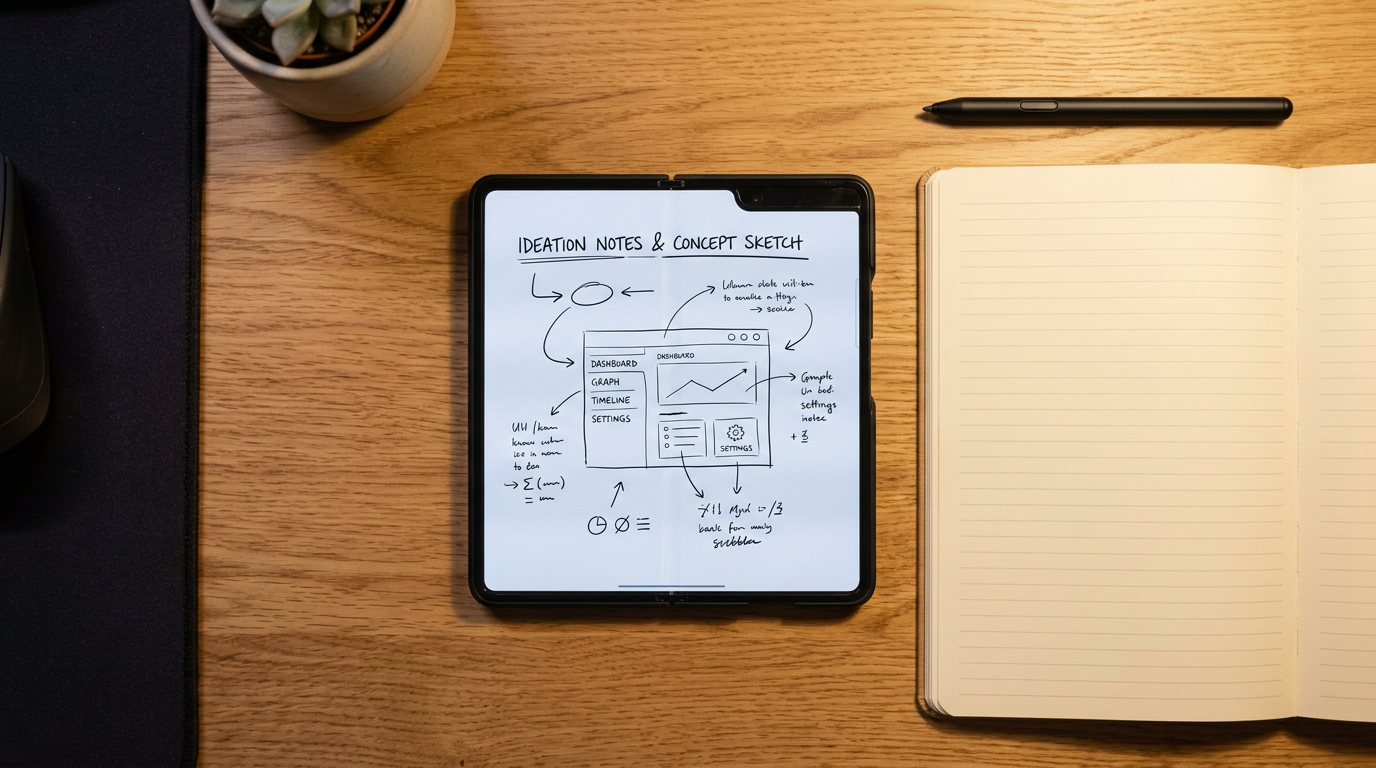
A note-taking app is one of the first things that improves on a folding phone. With the Duo open, you can type with a real keyboard layout, see a whole page of notes, or keep notes next to a document in Split View. These are the 9 worth comparing.
How well a third-party app uses the Duo's 7.6-inch inner display depends on whether its developer has updated the layout for the fold. Apps that are not updated can show black bars in Split View. For the screen sizes involved, see our screen size guide.
1. Apple Notes: best for most people
Built in, free, and much better than its reputation: folders, tags, checklists, scanned documents, audio recordings with transcripts and iCloud sync. Start here before you pay for anything.
2. GoodNotes: best for handwritten-style notes and PDFs
GoodNotes is built around notebooks and PDF annotation. The free version limits the number of notebooks, and a subscription removes the limit.
3. Notability: best for lectures and meetings
Notability syncs typed or written notes to an audio recording, so you can tap a note to hear what was said at that moment. It has a free tier and a subscription.
4. Obsidian: best for a linked knowledge base
Obsidian stores notes as Markdown files on your device and links them together. It is free for personal use, with paid Sync.
5. PromptSlate Studio: best for notes you will say out loud
Our app. If your notes end up as a talk, a video or a class presentation, write the final version in PromptSlate Studio. The script becomes a teleprompter beside the camera, and each recording is saved with the script you used. Here is how projects and takes are stored. It is in final development for iOS 27.1 and will be a $9.99 one-time purchase, with no subscription.
See PromptSlate Studio for iPhone Duo
6. Bear: best for beautiful writing
Bear is a clean Markdown editor with tags instead of folders. The free version works on one device, and Bear Pro adds sync.
7. Notion: best for notes plus databases
Notion mixes notes with tables, boards and to-do lists. The free plan is enough for personal use.
8. Microsoft OneNote: best for a free, flexible notebook
OneNote is free with a Microsoft account and organizes notes into notebooks, sections and pages.
9. Craft: best for documents that look finished
Craft builds notes out of blocks and makes them look polished enough to share as a web page. It has a free tier and a subscription.
The bottom line
Apple Notes is enough for most people. Choose GoodNotes or Notability for lectures, Obsidian or Bear for writing, and Notion if your notes are really projects. Our student apps list builds a full study setup around them.
More iPhone Duo app guides
From the maker
Get PromptSlate Studio on the App Store
Write, prompt and record in one focused workspace. Out now — $9.99 one-time, no subscription. Every download supports independent development of new apps.
See PromptSlate Studio details · Also in the works: DuoSketch
Spotted something to fix, or an app we should cover?
This article is independent research, cross-checked against Apple's developer documentation. If something's out of date, or you know an app that deserves a look, let us know — and if you're building for iPhone Duo yourself, we're happy to talk.
hola@ayudantedigital.es