Building for Two Displays on iPhone Duo: Scenes, Camera Preview, and Privacy
A developer-focused look at inner and outer display experiences, scene ownership, camera previews, privacy, state synchronization, and graceful fallbacks on iOS 27.1.
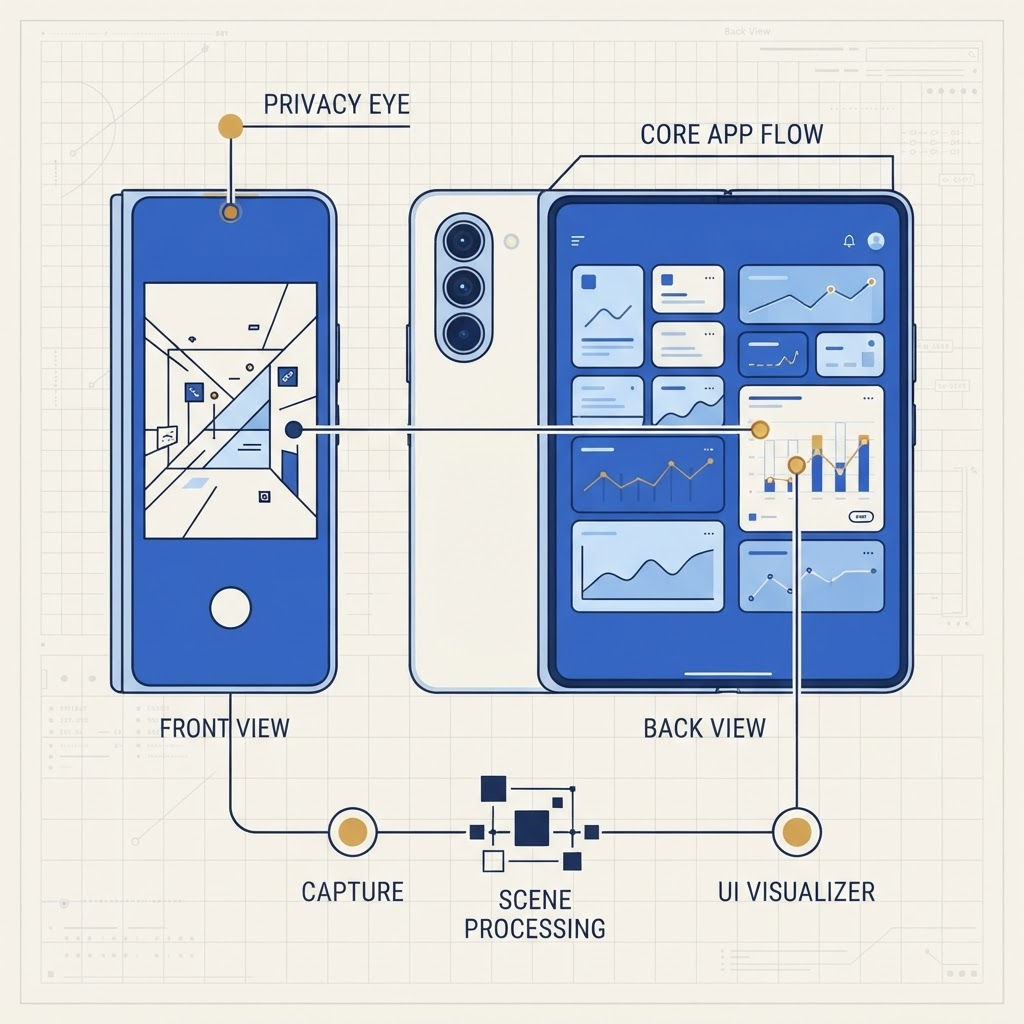
For developers, the design question is not “How do I mirror everything?” It is “Who is looking at each display, what do they need, and what must remain private?”
Begin with scene ownership
Modern iOS apps should associate windows and geometry with UIWindowScene. Avoid global assumptions such as UIScreen.main, because the meaningful screen is the one connected to the current scene.
Model presentation state separately from user data. The inner and outer experiences may show different views of the same session, but they should not create competing copies of the underlying task.
A camera app, for example, can keep capture configuration in a shared controller while presenting photographer controls internally and a clean live preview externally.
Mirroring is a fallback, not always the product
System mirroring can make content visible quickly, but a custom second-display experience is usually more useful when two people face opposite sides of the device. iOS 27.1 features such as Duo Preview demonstrate this principle: the subject needs framing, not every control and alert the photographer sees.
A custom outer experience should be deliberately limited. Large status cues, a clear countdown, framing guidance, and confirmation are often enough.
Treat privacy as a layout requirement
Never assume the outer display faces the device owner. Avoid exposing:
- notification content;
- recent photos outside the current capture;
- account names and email addresses;
- precise location;
- private message previews;
- payment or health information.
Create an explicit allowlist of content approved for the outward-facing presentation. A denylist tends to miss newly added fields.
When the app backgrounds or loses capture authorization, replace the preview with a neutral state immediately. Test interruptions, Control Center, incoming calls, and permission revocation.
Camera pipeline considerations
Use AVCaptureVideoPreviewLayer for efficient live preview and keep capture work off the main thread. If an output is not essential at launch, consider the platform’s deferred-start capabilities to reduce perceived startup cost.
Do not process two independent high-resolution pipelines simply because two displays exist. Share the capture session where possible and render appropriately sized previews. Measure thermal behavior on hardware; a simulator cannot reproduce sustained camera, display, and neural-processing load.
Synchronize intent, not every animation
The outer display may update at a different cadence or use a simplified transition. Synchronize meaningful events—countdown, shutter, recording state, call participant, approval—not every internal animation frame.
Design disconnect behavior. If the outer presentation becomes unavailable, the primary task should continue safely. If the app requires another person’s confirmation, make that requirement explicit instead of silently assuming they saw the display.
Accessibility for two audiences
The outward-facing interface still needs contrast, readable sizing, and understandable status. Do not rely only on color to indicate recording or a timer. Audio and haptic cues can complement visual feedback, but users must be able to disable surprising sounds.
On the owner’s side, preserve VoiceOver focus when the outer presentation connects. A secondary scene should not steal focus from the active control surface.
Test adversarial transitions
Run through these cases:
- Start closed, open during a camera preview.
- Start open, close while recording.
- Lock and unlock during a second-display session.
- Revoke camera permission.
- Receive a call or notification containing sensitive text.
- Trigger low-memory and thermal pressure.
- Move between portrait and landscape content.
Pair this guide with our Xcode 27.1 test matrix and camera comparison for buyers.
Two displays are valuable when each one has a clear audience and purpose. The strongest Duo apps will not duplicate more—they will reveal less, at exactly the right moment.
From the maker
Get PromptSlate Studio on the App Store
Write, prompt and record in one focused workspace. Out now — $9.99 one-time, no subscription. Every download supports independent development of new apps.
See PromptSlate Studio details · Also in the works: DuoSketch
Spotted something to fix, or an app we should cover?
This article is independent research, cross-checked against Apple's developer documentation. If something's out of date, or you know an app that deserves a look, let us know — and if you're building for iPhone Duo yourself, we're happy to talk.
hola@ayudantedigital.es