Apple Pencil on iPhone Duo: What Apple Confirmed—and What Is Still Open
Apple lists Apple Pencil (USB-C) support for iPhone Duo. The compatibility is confirmed, but several workflow details still need clearer answers.
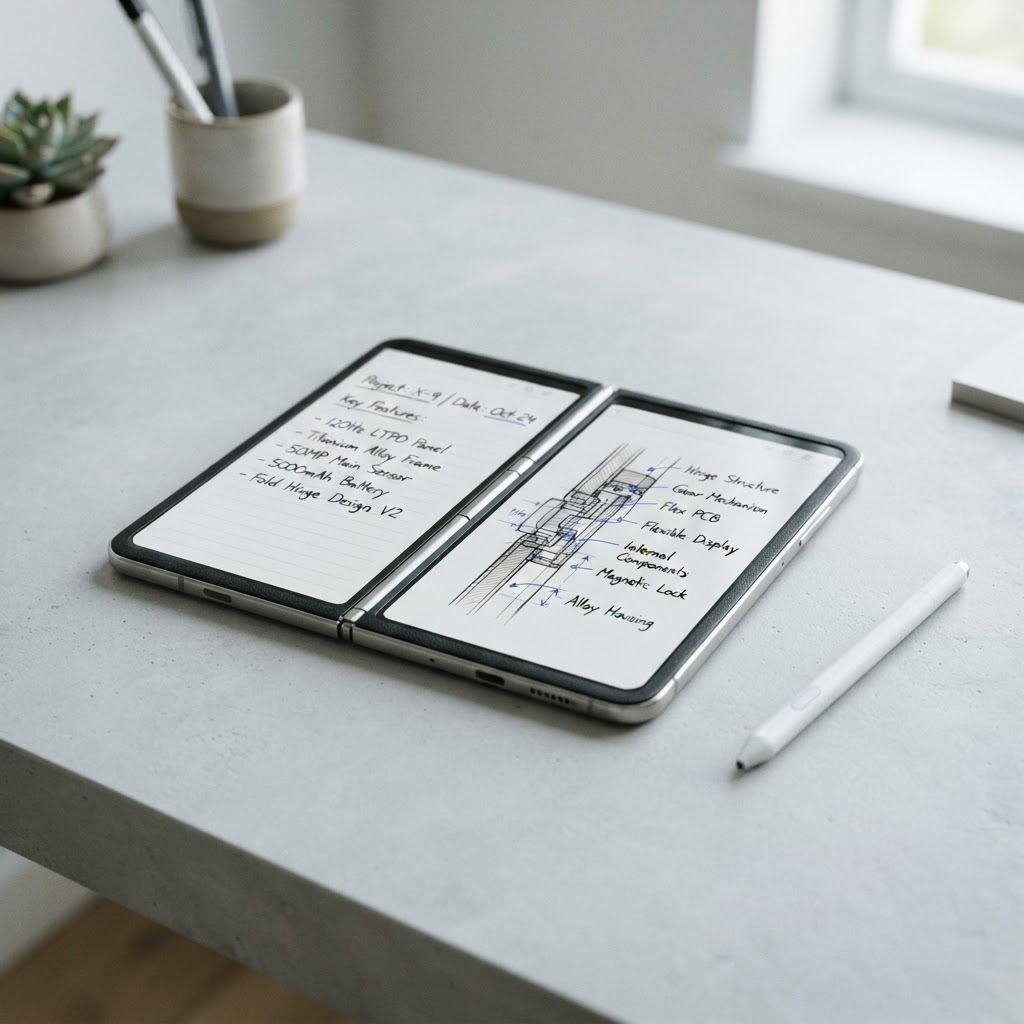
Apple’s technical specifications for iPhone Duo include a line no previous iPhone buyer has had to consider: both displays support Apple Pencil (USB-C). That fact is confirmed. The full shape of the experience is not.
The distinction matters because “supports Apple Pencil” can describe several layers: pairing and charging, system-level writing, Markup, app compatibility, hover behavior, pressure data, palm rejection, and where the accessory can be stored. Apple has confirmed the compatible Pencil model, but developers and buyers should not invent the rest.
What is confirmed
The official iPhone Duo specifications list support for Apple Pencil (USB-C). Apple identifies the model explicitly, so compatibility should not be generalized to every Apple Pencil generation.
The same specification page confirms that iPhone Duo has USB-C, an inner 7.6-inch display, an outer 5.4-inch display, and iOS 27. Those details make note-taking and annotation plausible on both surfaces, but the specification is the authority—not an assumption based on screen size.
Why the USB-C model makes sense
Apple Pencil (USB-C) is the simplest member of the current Pencil family. It pairs and charges through a USB-C cable and is positioned around note-taking, sketching, and document markup rather than the most specialized illustration features.
For a foldable phone, that choice keeps compatibility understandable and avoids implying that the device has the magnetic charging edge used by some iPads. Apple’s iPhone Duo page does not advertise a built-in Pencil garage or magnetic charging attachment.
What remains open
As of September 24, Apple’s public materials do not fully answer several practical questions:
- whether every first-party writing surface behaves identically on the inner and outer displays;
- how apps should react when the device changes display while a Pencil stroke is active;
- whether Pencil input is enabled at launch in every market or arrives through a later software update;
- which advanced Pencil capabilities are available beyond basic writing and selection;
- what cases or folios can carry the accessory without interfering with the hinge.
Until Apple publishes a dedicated support page or updated user-guide chapter, those points should be labeled open rather than inferred.
The likely best use cases
Our reading is that Apple Pencil support matters most for quick annotation, not for turning iPhone Duo into a small iPad Pro. The inner display is large enough for signing a PDF, marking a screenshot, sketching a layout, correcting a photo, or keeping handwritten notes beside source material.
The outer screen may be more useful for short actions: checking a box, selecting an object, or adding a precise mark without unfolding. Whether that becomes a daily habit will depend on how quickly iOS recognizes the accessory and how well apps preserve the document when the display changes.
What developers should test
Drawing apps should test interrupted strokes, scene resizing, tool-palette placement, palm rejection, undo history, and state restoration between displays. Never store document state only in a view tied to one geometry. A display transition should not discard an in-progress note.
Controls also need adequate separation from the canvas. A toolbar that moves into a vertical bar can create more drawing room, but it may also place destructive actions near the user’s grip. Test both hands and larger accessibility sizes.
Buying advice
Do not buy a different Apple Pencil generation on the assumption that “newer” means compatible. Follow the exact model named by Apple: Apple Pencil (USB-C). If Pencil support is a deciding reason to buy iPhone Duo, wait for Apple’s final support documentation and regional availability details before ordering accessories.
Bottom line
The headline is real: iPhone Duo is the first iPhone whose official specifications list Apple Pencil support. The responsible next sentence is equally important: Apple has not yet documented every part of that experience. Confirm the model, link the source, and keep the unanswered details open.
From the maker
Get PromptSlate Studio on the App Store
Write, prompt and record in one focused workspace. Out now — $9.99 one-time, no subscription. Every download supports independent development of new apps.
See PromptSlate Studio details · Also in the works: DuoSketch
Spotted something to fix, or an app we should cover?
This article is independent research, cross-checked against Apple's developer documentation. If something's out of date, or you know an app that deserves a look, let us know — and if you're building for iPhone Duo yourself, we're happy to talk.
hola@ayudantedigital.es