DuoSketch review: drawing on iPhone Duo's inner display, one workspace at a time
We spent two weeks sketching and inking using DuoSketch's Split View workflow on iPhone Duo. Here is what it gets right, where it still stumbles, and whether the one-time unlock is worth it.
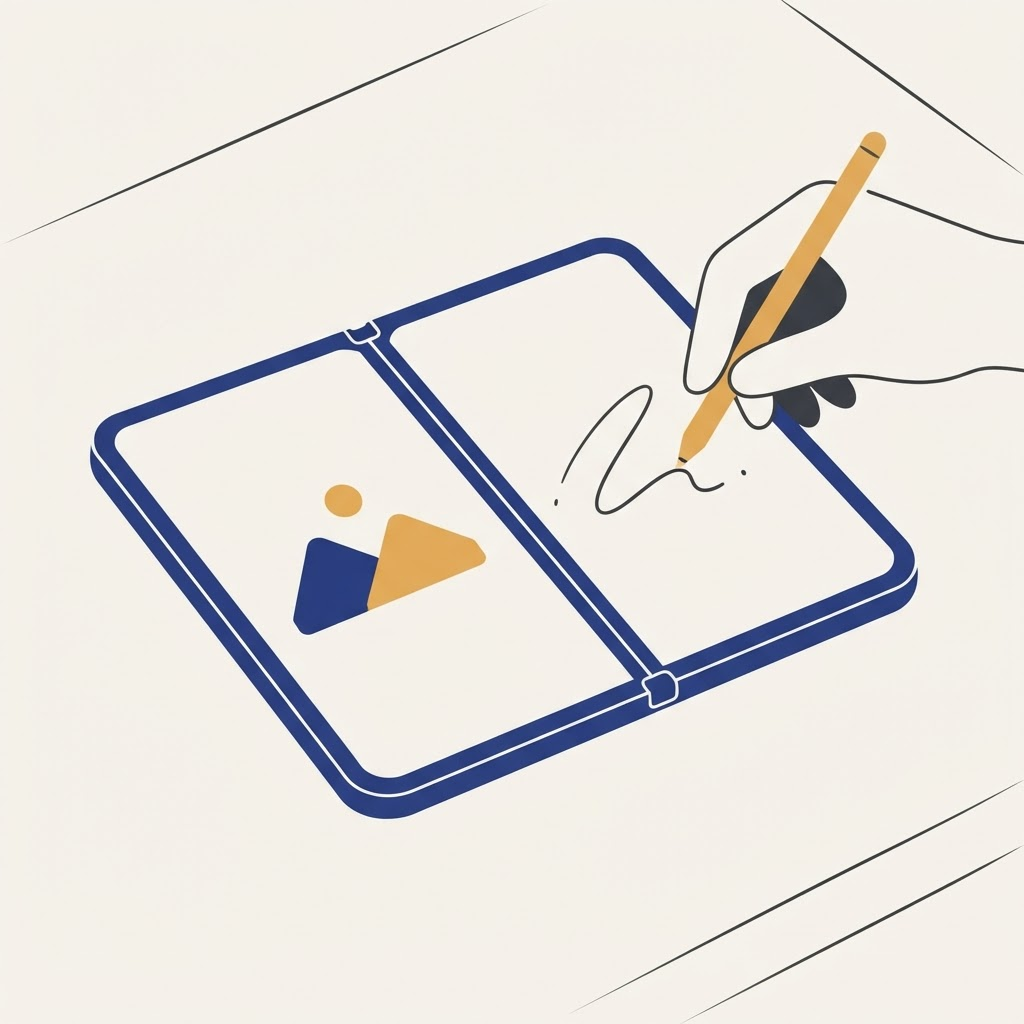
When iPhone Duo launched, the pitch from most drawing apps was the same: use the full 7.6-inch inner display as one giant canvas and call it a day. DuoSketch is one of the only apps we have tested that treats the device's Split View multitasking as a feature to design around instead of an afterthought, and after two weeks of daily use, we think it made the right call.
The problem with using the whole screen as canvas
iPhone Duo's inner display is a single continuous 7.6-inch panel, not two separate screens — the "fold" is a hinge in the hardware, not a seam in what you see on screen once the device is open flat. That means a full-canvas app does not have to fight a visible line down the middle. What it does have to fight is Split View: if you want a reference photo or your layer panel open at the same time as your drawing, iPhone Duo's Split View divides the display into two fixed 50/50 panes, and most drawing apps waste that second pane on something trivial.
DuoSketch instead treats the paired Split View app as a real part of the workflow, not an afterthought.
What using it actually feels like
Open DuoSketch on one side of Split View and Photos, Files, or Safari on the other, and you get a dedicated reference pane that never touches your canvas. A few details stood out over two weeks of real use:
- Reference images opened in the paired Split View app can be viewed at full resolution without ever overlapping the canvas
- The layer panel can be collapsed to a thin strip along the edge of DuoSketch's own pane, maximizing the space actually available for drawing
- Undo history stays scoped to DuoSketch's pane, so nothing you do in the paired reference app ever interferes with your stroke history
- Pressure curves are tuned specifically for Apple Pencil on the inner display, and it shows — line weight variation felt closer to Procreate on iPad than anything else we have tried on Duo
Where it still needs work
Export to layered PSD works well for illustrations under 12 layers. Push past that with heavy brush textures and we saw noticeable frame drops while scrubbing the layer thumbnails, though the canvas itself stayed responsive. The free tier caps you at a single canvas at a time, which is a reasonable trial but does not let you test layered export before you pay for the unlock.
The $9.99 one-time unlock removes the canvas limit and adds cloud backup across devices. For anyone drawing regularly, that is a fair price and a far better deal than the subscription model most competitors use.
Bottom line
If you draw or paint on iPhone Duo at all, DuoSketch should be the first app you install. For more on how the device's Split View actually works under the hood, see our explainer on why some apps still show black bars in Split View.
From the maker
Get PromptSlate Studio on the App Store
Write, prompt and record in one focused workspace. Out now — $9.99 one-time, no subscription. Every download supports independent development of new apps.
See PromptSlate Studio details · Also in the works: DuoSketch
Spotted something to fix, or an app we should cover?
This article is independent research, cross-checked against Apple's developer documentation. If something's out of date, or you know an app that deserves a look, let us know — and if you're building for iPhone Duo yourself, we're happy to talk.
hola@ayudantedigital.es