A20 Pro and Vapor Chamber: Performance Rules for iPhone Duo Apps
What the A20 Pro, two bright displays, dual batteries, and vapor-chamber cooling mean for game, camera, AI, and media developers targeting iPhone Duo.
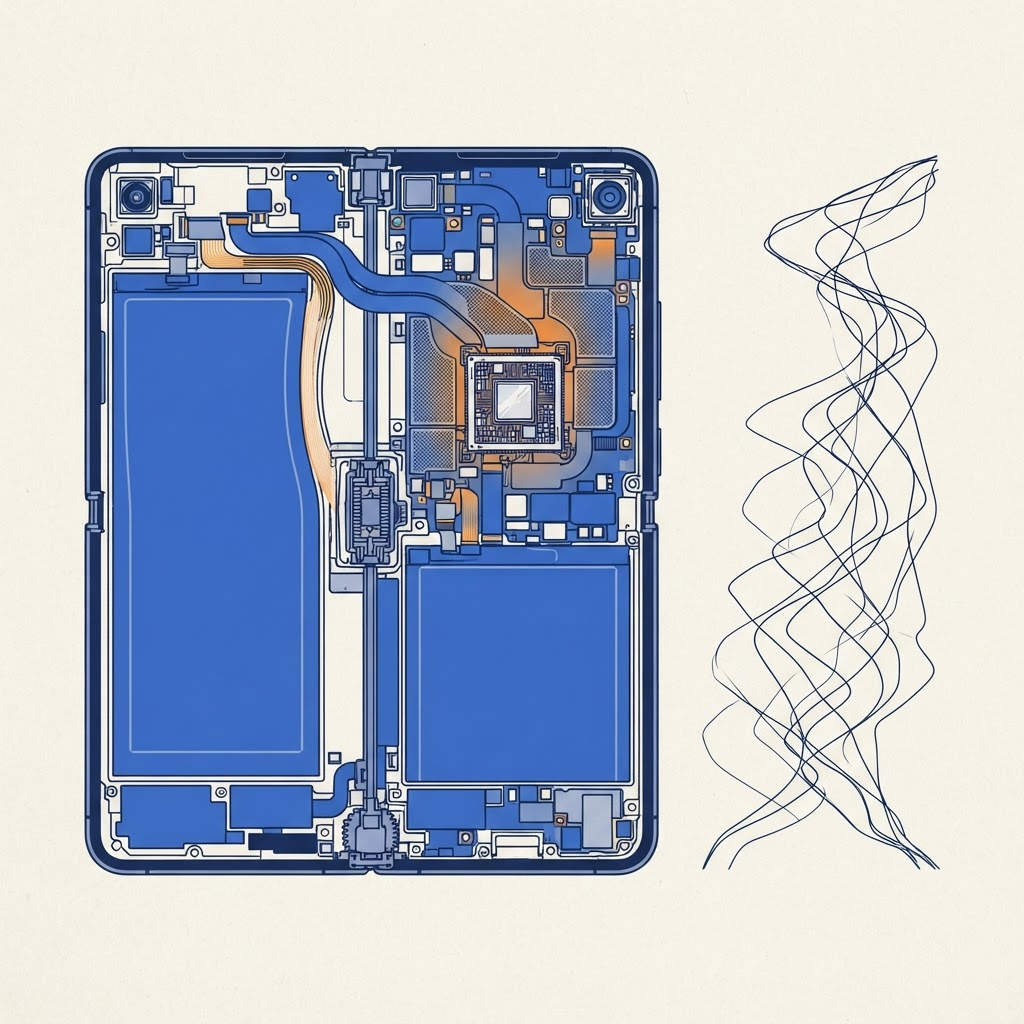
A fast processor does not remove the need for a performance budget. It raises the quality ceiling while making inefficient choices more visible on a larger, brighter canvas.
Design for sustained work
Short benchmarks reward bursts. Users care about a 40-minute game, a long video call, navigation in sunlight, photo editing, or an on-device model running repeatedly.
Measure sustained frame pacing, energy use, memory pressure, and thermal state. Watch for a pattern where the first minutes are excellent and later interaction degrades. That usually points to accumulated work, aggressive resolution, or insufficient quality scaling.
Larger pixels cost real power
The 7.6-inch inner display invites richer interfaces and higher-resolution rendering. Do not automatically render every game or visualization at native panel resolution. Use dynamic resolution, Metal performance tools, and a stable frame target.
For reading and productivity apps, avoid continuous animation in peripheral regions. For video, choose a decode and presentation path appropriate to the actual content. Rendering a 1080p stream into an unnecessarily expensive custom pipeline wastes energy without improving detail.
Use thermal state as a product signal
Monitor ProcessInfo.processInfo.thermalState and define graceful quality levels before the app gets hot. A game can reduce effects and resolution. A camera app can lower nonessential analysis frequency. An AI feature can batch work or pause speculative tasks.
Do not show alarming technical language unless users need to act. Preserve the primary task and quietly reduce optional work first.
The vapor chamber is not permission to ignore heat
A vapor chamber spreads heat more effectively; it does not make heat disappear. Hands, cases, ambient temperature, charging, radio use, and display brightness all affect the result. A half-folded posture can also expose or insulate different surfaces.
Test on physical hardware in several poses. The simulator is useful for CPU correctness but cannot answer whether a camera-and-ML workflow remains comfortable to hold.
Keep work aligned with visibility
When the app moves from the inner to the outer display, reduce work that is no longer visible. Pause offscreen render loops, lower thumbnail production, and release oversized intermediate textures. If the app presents simplified content externally, do not keep the full inner experience rendering underneath without a reason.
Scene lifecycle events should drive resource ownership. Our UIScene guide is the foundation for this cleanup.
Profile representative scenarios
Create performance scripts for:
- opening a large document and resizing it;
- recording while an outer preview is active;
- playing a game at high brightness;
- running an on-device model repeatedly;
- charging while streaming;
- switching displays with background downloads active.
Collect signposts, frame-time distributions, energy logs, and memory peaks. Average frame rate can hide stutters, so inspect worst frames and interaction latency.
Dual batteries do not change good citizenship
The device’s dual-cell design supports its geometry and power needs, but apps still share the battery with radios, displays, cameras, and system intelligence. Schedule background work appropriately, honor Low Power Mode, and avoid polling.
If your feature can provide a useful lower-cost mode, expose it in plain language: “Reduced effects,” “Download over Wi-Fi,” or “Pause analysis when inactive.” Do not force users to become thermal engineers.
A practical performance budget
Set explicit targets for memory, app launch, frame pacing, resize latency, and battery impact. Revisit them for compact and expanded presentations. Instrument regressions in CI where possible, then validate thermal and ergonomic behavior on hardware.
The A20 Pro lets developers build ambitious experiences. The apps that feel most advanced will be the ones that know when not to use all of it.
From the maker
Get PromptSlate Studio on the App Store
Write, prompt and record in one focused workspace. Out now — $9.99 one-time, no subscription. Every download supports independent development of new apps.
See PromptSlate Studio details · Also in the works: DuoSketch
Spotted something to fix, or an app we should cover?
This article is independent research, cross-checked against Apple's developer documentation. If something's out of date, or you know an app that deserves a look, let us know — and if you're building for iPhone Duo yourself, we're happy to talk.
hola@ayudantedigital.es